GRN (E-Source)
In GRN (Goods Received Note), the user is able to confirm the deliveries of products and goods. To access GRN module, click on  on the left side panel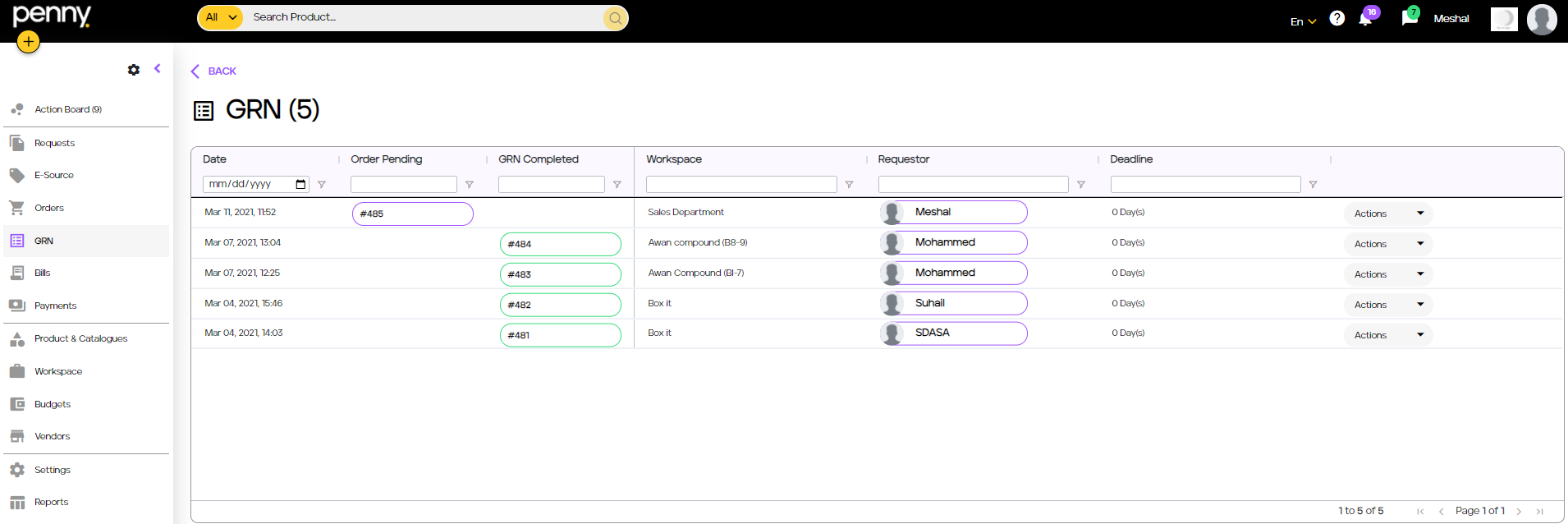
Click on the most recent Order pending to access the GRN for the recently created Order
In this section, the “user” can confirm the quantity received from the vendor as well as upload the receipt via in the middle of the form.
Confirm the quantity by clicking on the button on the bottom right of the form
Fill in the quantity amount received and click on
Now, as shown, the button contains the quantity we’ve confirmed.
Finally, click on to submit the GRN